1
Visualize
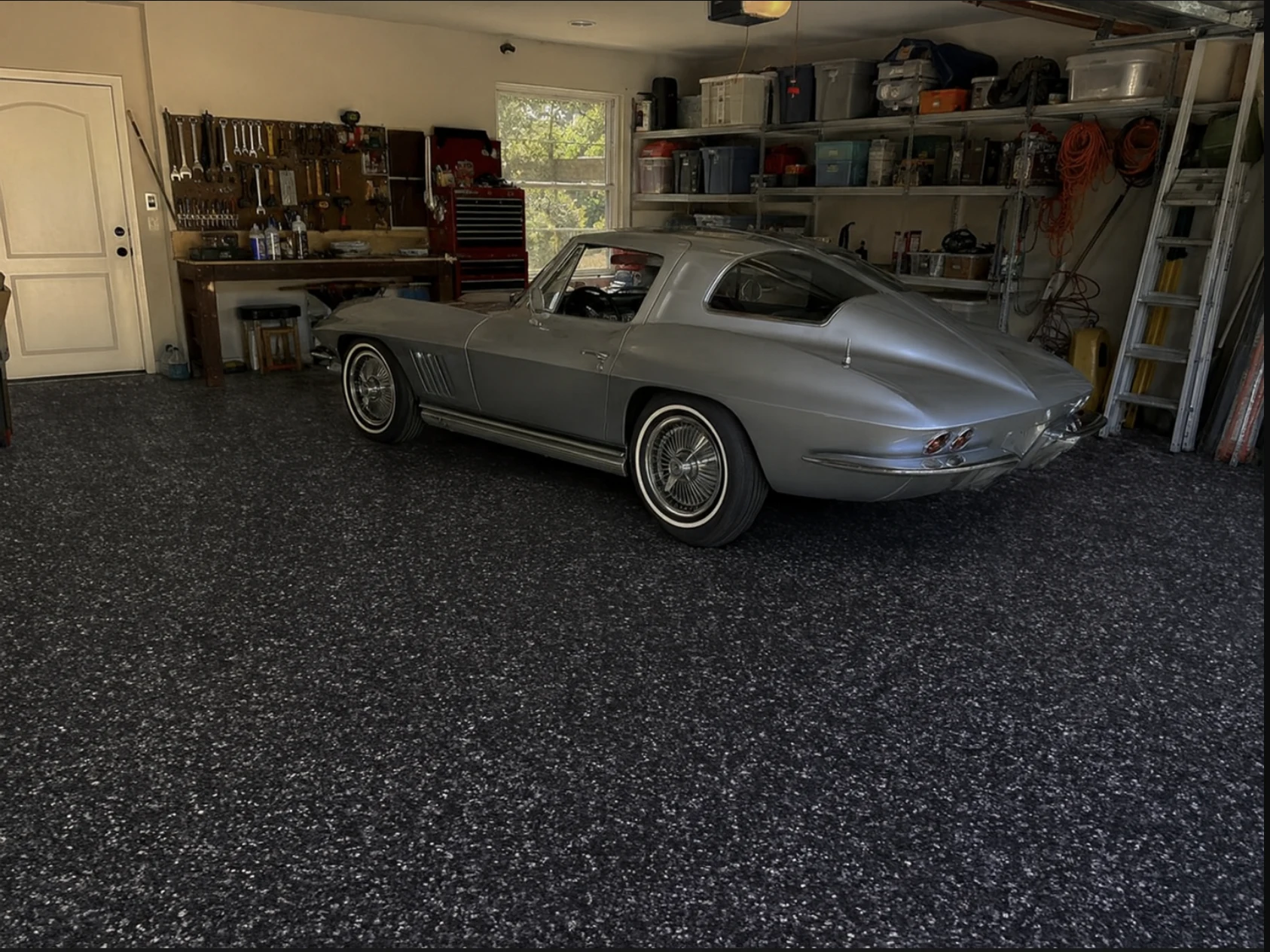
Use a customer’s actual project photo with a Floorender preset or a saved custom flake blend.
 FLOORENDER
Give your sales team one guided workflow to visualize the finished floor, build a consistent quote, make the offer, collect the signature and deposit, and keep the project organized.

Visualize
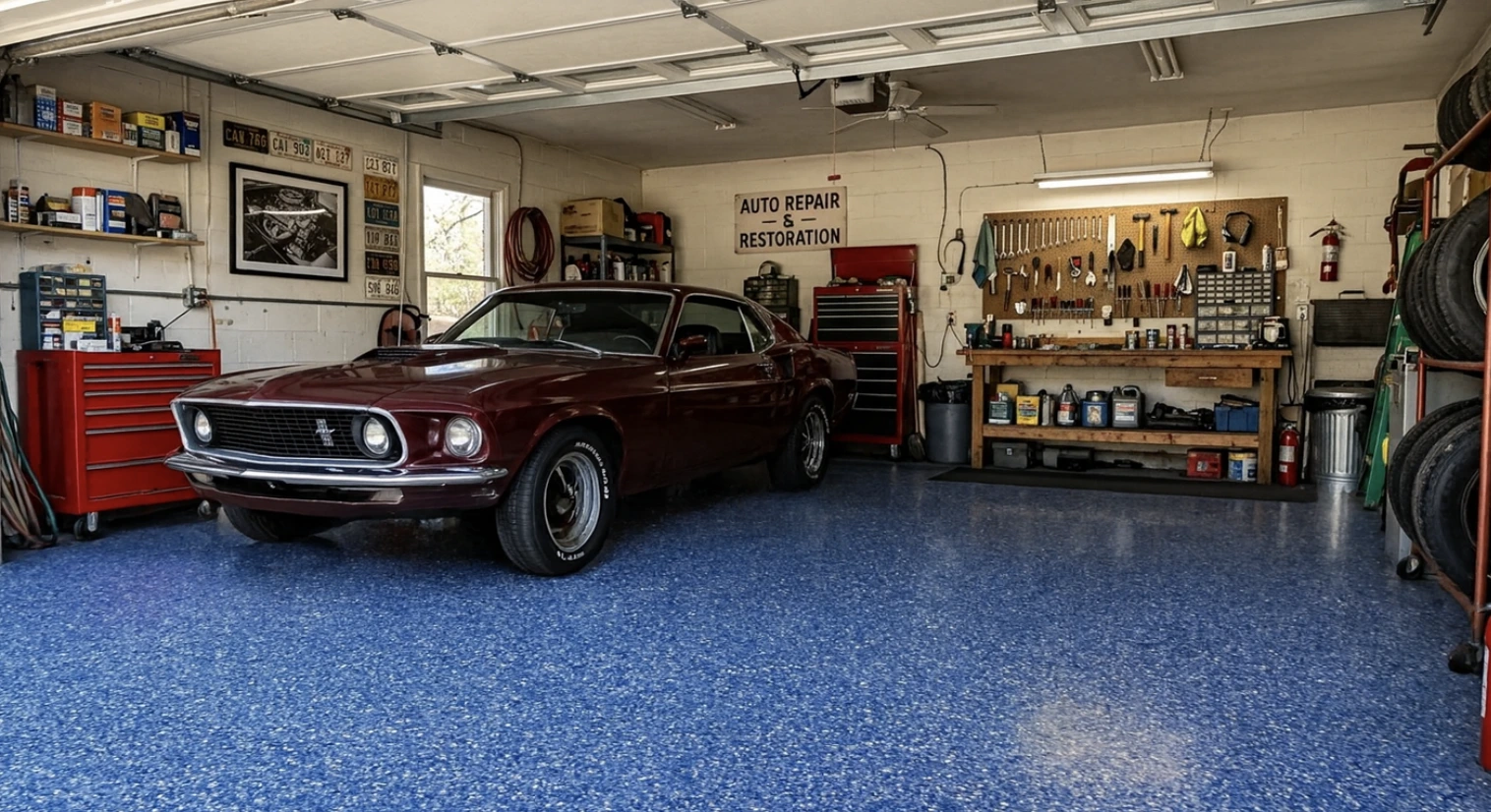
Show the finished floor
Quote Builder
Build a consistent quote
Close the job
Offer, signature, deposit
Offer ready to sign
Keep the sale moving
Floorender gives concrete coating sales teams a clear process to follow from the first visualization through quoting, negotiation, closing, and project follow-up.
Use a customer’s actual project photo with a Floorender preset or a saved custom flake blend.
Build project-specific quotes from square footage, Good / Better / Best grades, add-ons, discounts, and company pricing.
Let reps negotiate within company boundaries. Offers within their authority move forward immediately; exceptions go to an owner or admin.
Exceptions sent to admins by SMS
Move from Quote Approved to e-signature and deposit or payment collection while still on site.
Keep the customer, project status, assigned rep, notes, and pipeline information organized after the sale.
Start with a photo of the customer's actual space, then show them how different coating options will look right in their garage.
Create the visualization from a real photo of the garage, basement, patio, or other project area.
Use Floorender presets or create and save your own custom flake blends for future sales visits.
Apply different mixtures to the same photo so customers can compare finishes side by side.
 Original Photo
One photo. Multiple finishes. A much easier decision.
Choose the flake blend for this project
Selected Blend
Polar Mist · Polyaspartic
Choose the product grade
1,500 sq ft · $5.00/sq ft
Review the customer's quote
Build concrete coating quotes from project square footage, Good / Better / Best grades, upgrades, add-ons, and discounts—all using your company's pricing.
Guide reps through flake blends, Good / Better / Best grades, upgrades, and add-ons in a consistent order.
Calculate project-specific pricing from square footage and your configured rates, then review the Net Price.
Apply discounts and enter an optional rep offer without rebuilding the quote during the customer conversation.
Quoting several projects for one customer? Bundle them into one combined quote and agreement.
Set company offer boundaries before the customer visit. Reps can move forward within their authority, send exceptions to an owner or admin, and cannot submit offers below your minimum.
Give each rep clear boundaries for how far they can move from the quoted price.
Offers within your configured auto-approve threshold can move forward without waiting for an administrator.
When an offer needs approval, admins can be notified by SMS and approve, counter, or deny the offer.
Floorender checks the offer against the rules set by the owner.
SMS Notification
Floorender · Just now
Offer requires review